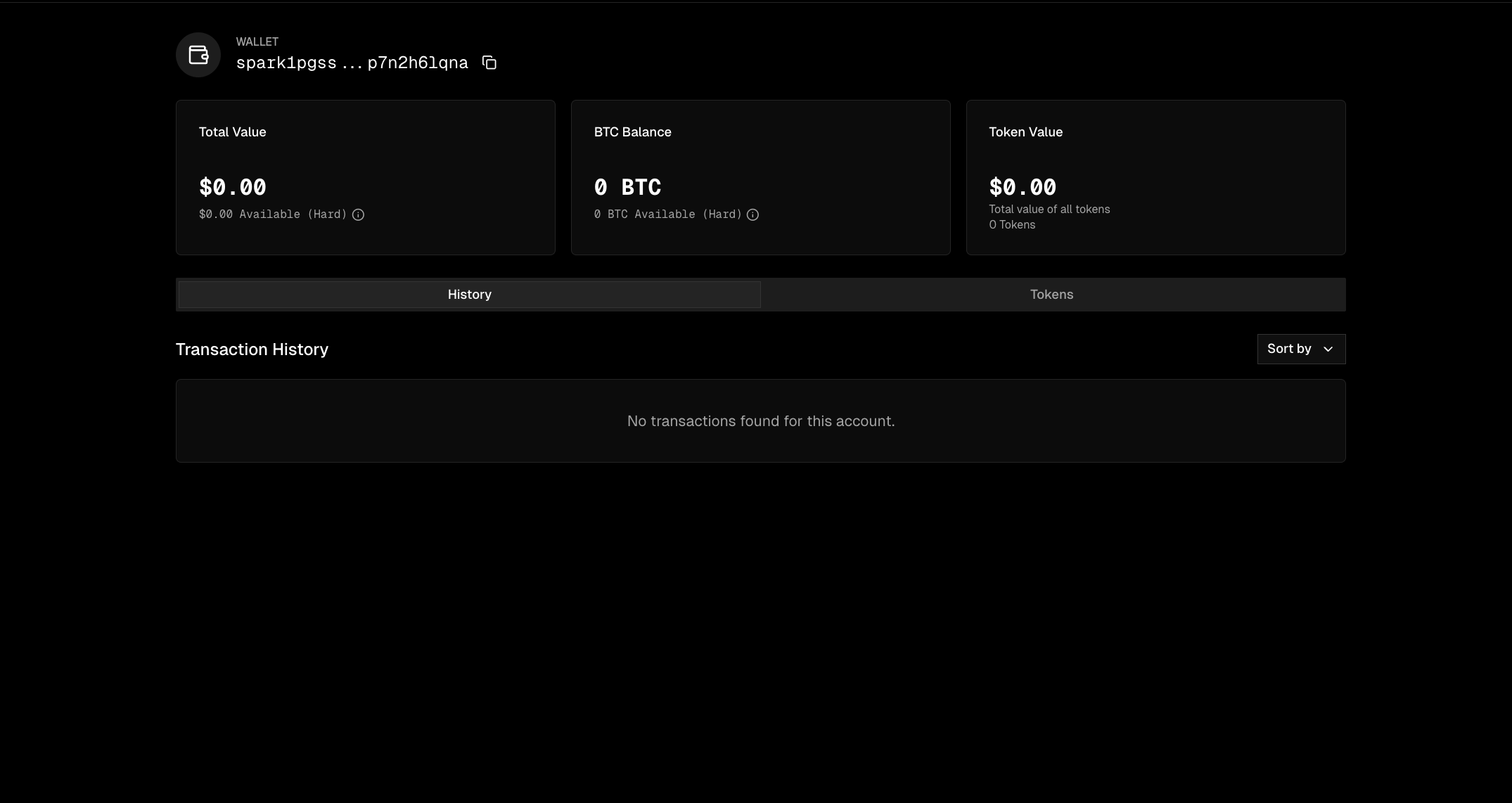
Privacy Mode on SparkScan

Overview

Make your wallet fully private with a single call. By default, Spark transactions are visible from public endpoints. When you enable privacy mode, your transaction history becomes invisible.
Privacy mode currently applies to Bitcoin transactions only. Token transactions remain visible.

Enable Privacy Mode

Toggle privacy mode on or off for your wallet.
import { SparkWallet } from "@buildonspark/spark-sdk";

const { wallet } = await SparkWallet.initialize({
  mnemonicOrSeed: "your mnemonic here",
  options: { network: "MAINNET" }
});

// Enable privacy mode
await wallet.setPrivacyEnabled(true);

console.log("Privacy mode enabled. Your transactions are now hidden.");

Check Current Settings

Query your wallet’s current privacy configuration.
const settings = await wallet.getWalletSettings();

if (settings?.privateEnabled) {
  console.log("Privacy mode is ON");
} else {
  console.log("Privacy mode is OFF");
}

How It Works

When privacy mode is enabled:
  1. Block explorers see nothing. Your address and transactions won’t appear publicly.
  2. Public APIs return empty. Third parties querying your address get no results.
  3. You retain full access. Your wallet can still query all your transactions normally.
Privacy mode controls query visibility, not on-chain data. Your funds remain fully secure and self-custodial regardless of this setting.

Maintaining Read Access

When privacy is enabled, the Wallet Viewer public client returns empty results. Two options for keeping visibility:

Master Key

A wallet with privacy enabled can specify a master key that always has read access, even when privacy is on. Use createWithMasterKey() with the wallet’s mnemonic to query balances, transfers, and transaction history as normal. This is useful for server-side dashboards or support tooling where you need to see wallet activity without initializing the full wallet.

Webhooks

As of SDK 0.7.2, wallets can register webhooks to get notified when events complete. This is useful for push notifications — you don’t need to poll and you don’t need read access to the wallet’s transaction history.
// Register a webhook
await wallet.registerSparkWalletWebhook({
  secret: "16-char-secret00", // 16 character secret for verifying webhook origin
  url: "https://your-server.com/webhook",
  eventTypes: [
    "SPARK_LIGHTNING_RECEIVE_FINISHED",
    "SPARK_LIGHTNING_SEND_FINISHED",
    "SPARK_COOP_EXIT_FINISHED",
    "SPARK_STATIC_DEPOSIT_FINISHED",
  ],
});

// List registered webhooks
const webhooks = await wallet.listSparkWalletWebhooks();

// Delete a webhook by ID
await wallet.deleteSparkWalletWebhook({ id: webhooks[0].id });
Limits: Up to 5 webhooks per wallet. URLs and event types are unique — registering the same URL with the same event on the same wallet won’t create a duplicate. Once you hit 5, the oldest webhook gets evicted (FIFO).
For Lightning receives, the webhook fires on the creator of the invoice, not the receiver. If wallet A creates an invoice on behalf of wallet B, only wallet A’s webhooks get the SPARK_LIGHTNING_RECEIVE_FINISHED event.

API Reference

// Enable or disable privacy mode
await wallet.setPrivacyEnabled(privacyEnabled: boolean): Promise<WalletSettings>

// Query current wallet settings
await wallet.getWalletSettings(): Promise<WalletSettings>
WalletSettings Type:
interface WalletSettings {
  privateEnabled: boolean;
  ownerIdentityPublicKey: string;
}